This page exists so I never have to guess. Every formatting feature, shortcode and embed the site supports is rendered here, next to the markup that produced it. When I want to know whether a callout suits a paragraph or how a diagram will look in dark mode, I open this page rather than experimenting inside a real post.
It doubles as a test: if something breaks after a theme update, it breaks here first.
Try the theme toggle in the header while reading. The diagrams, callouts and code blocks all follow it.
Text
Ordinary prose gets bold, italic, both at once, struck through and inline code. Links can be inline, referenced, or bare autolinks like https://gohugo.io/ — the last of those is turned into a link automatically.
Beyond the usual set, a few extensions are switched on: highlighted text, inserted text, H2O with a subscript and 106 with a superscript. Emoji work by name too 🚀 🦃.
Footnotes1 sit at the bottom of the page and link both ways.
**bold**, *italic*, ~~struck~~, `code`
==highlight==, ++insert++, H~2~O, 10^6^
[inline](https://gohugo.io/), [referenced][id], :rocket:
A footnote[^1] and its definition.
Headings
Headings from ## to #### are styled; # is reserved for the post title itself. The table of contents at the top is built from ## and ### only, which keeps it useful on a long page.
A third-level heading
A fourth-level heading
Lists
- An unordered item
- Another one
- Nested one level
- And a sibling
- Two levels deep
- Back to the top level
- Ordered lists count themselves
- So renumbering is free
- Nested ordering restarts
- As you would expect
- Third
Task lists render as checkboxes:
- Migrate the posts off Ghost
- Rebuild the theme
- Write more often
Quotes and callouts
A plain blockquote:
Premature optimisation is the root of all evil.
And a nested one, for a quote inside a quote.
GitHub-style alerts render as callouts:
Note
Useful information the reader should notice even when skimming.
Tip
An optional shortcut that makes the task easier.
Important
Something the reader needs in order to succeed.
Warning
A risk that needs attention right away.
Caution
A consequence of a risky action — data loss, breaking changes.
The hint shortcode produces the same thing, with a couple of extra tones and an optional title:
note — the default. For an aside that does not fit the flow of the paragraph.
info — supplementary detail that helps but is not required.
tip — a recommended approach.
success — a confirmed good outcome, or the recommended path.
Check your indexes first
warning — a caveat. This one carries a title.
danger — irreversible or breaking. Use sparingly, or it stops registering.
> [!WARNING]
> GitHub alert syntax.

{{% hint danger %}}
Shortcode syntax, with **markdown** inside.
{{% /hint %}}
Code
Inline code sits in a paragraph. Fenced blocks take a language:
@Cacheable(value = "products", key = "#id")
public Product getProductById(Long id) {
    log.info("Fetching from DB...");
    return productRepository.findById(id).orElse(null);
}
Line numbers and highlighted lines are per-block options:
| |
Diffs get their own colouring:
- server.tomcat.max-threads=200
+ server.tomcat.threads.max=200
A block with no language is left unhighlighted, which suits output rather than source:
BUILD SUCCESSFUL in 4s
12 actionable tasks: 12 executed
An indented block works too, though a fence is clearer.
Tables
Alignment is set per column in the separator row.
| Setting | Default | Notes |
|---|---|---|
pagerSize | 10 | Posts per page |
summaryLength | 30 | Words in the card summary |
defaultContentLanguage | en | Root language, no URL prefix |
Images
A plain markdown image, click to enlarge:
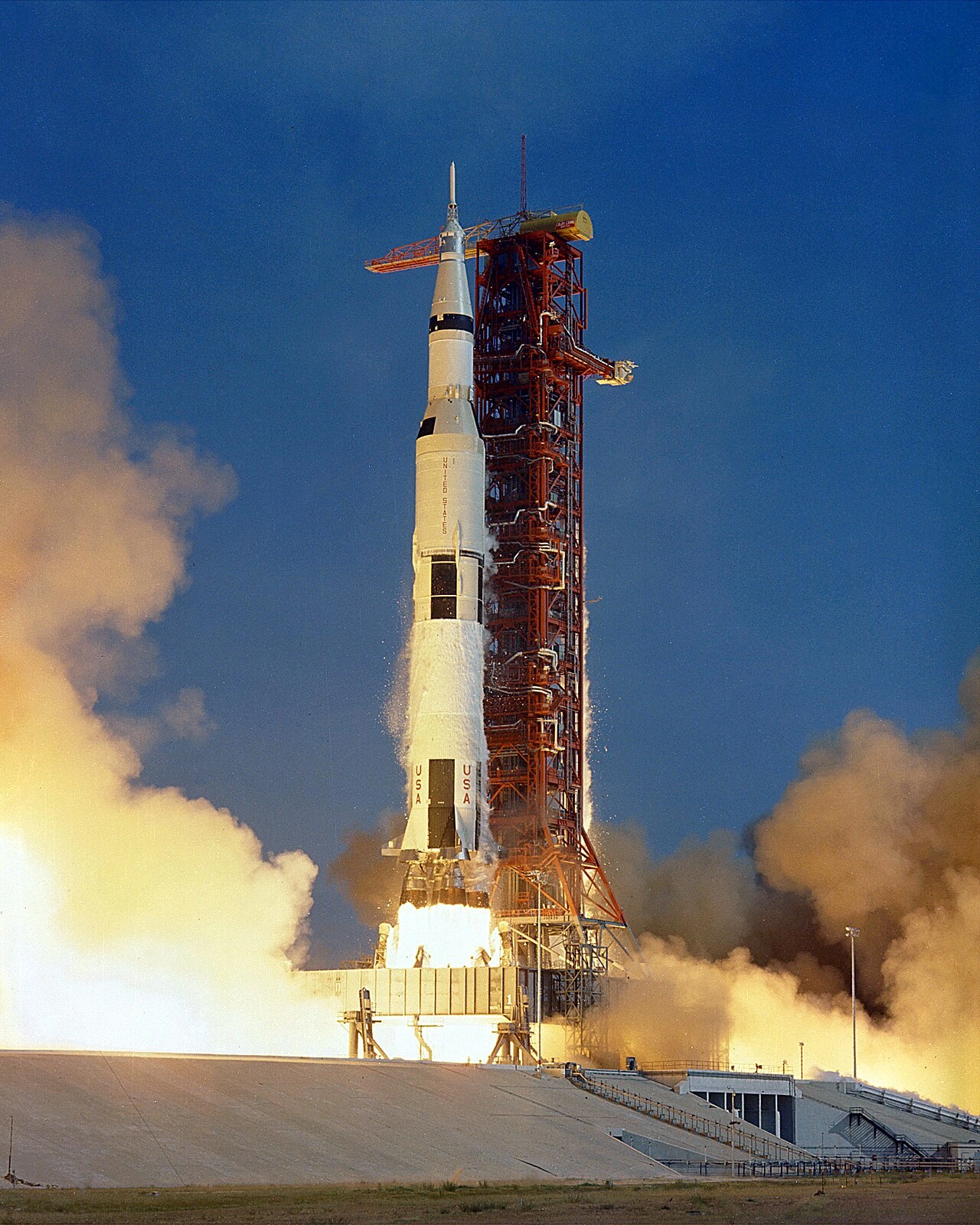
The image shortcode adds a caption and sets width and height, so the page does not jump while it loads:
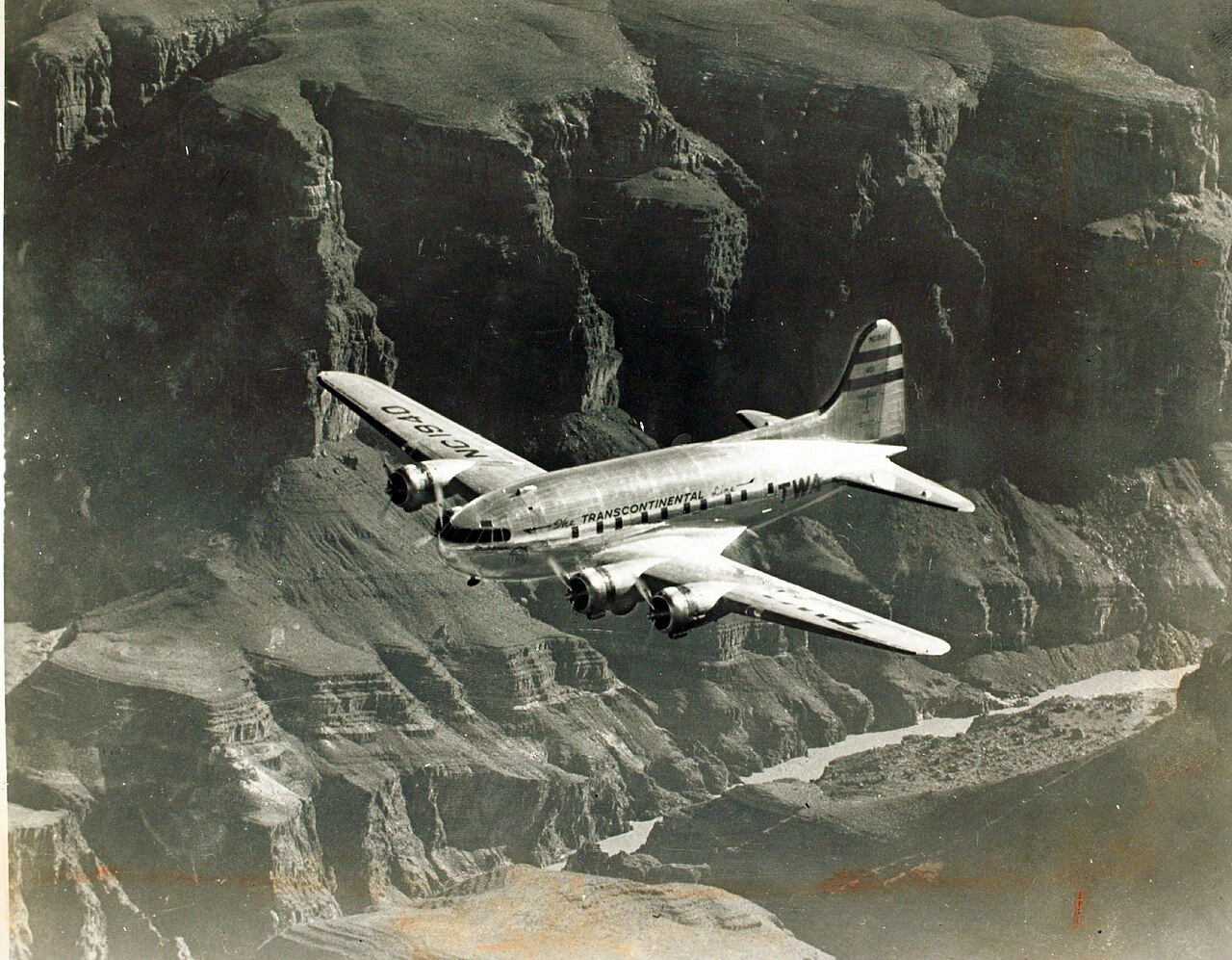
gallery puts several side by side:
Every cell is cropped to the same shape, so the grid holds its shape whatever
the sources are. ratio changes what that shape is — 3/4 for portraits:
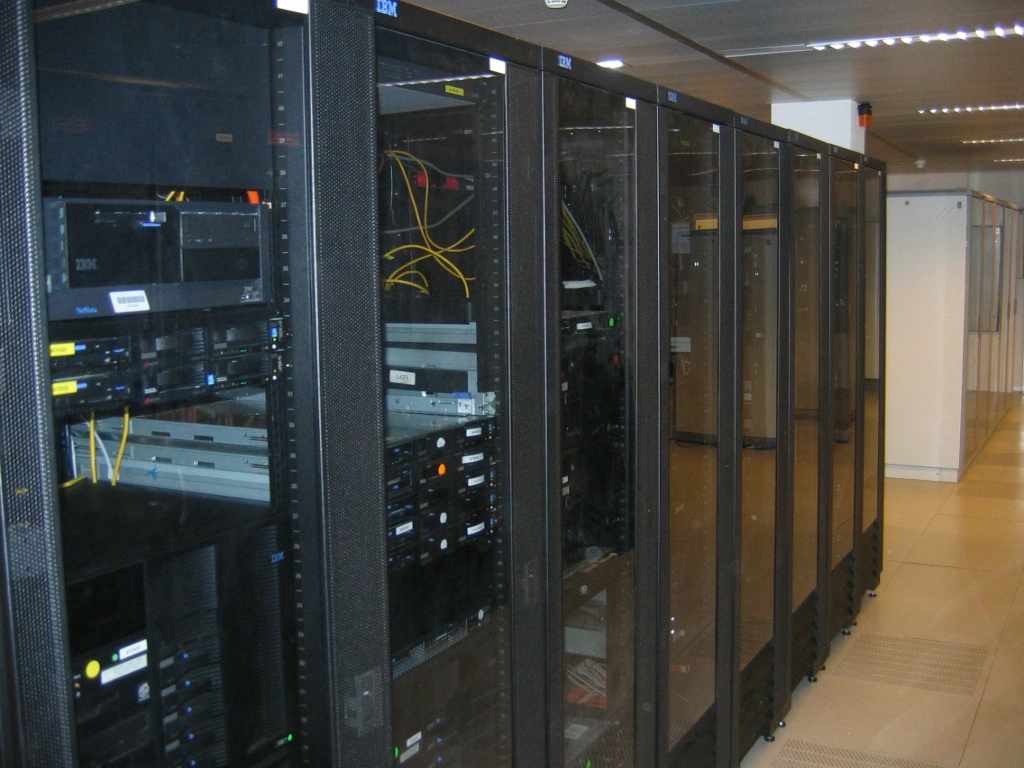
ratio="auto" turns the cropping off instead, and each image keeps its own
proportions — better when the set is already consistent, or when cropping would
cut something out:
All three are public domain, via Wikimedia Commons.

{{< image src="/images/x.png" alt="…" caption="…" >}}
{{% gallery cols="3" ratio="4/3" %}}


{{% /gallery %}}
Terminal recordings
asciinema embeds a recording. It is real text, so it can be selected and copied out of the player — unlike a screen capture.
{{< asciinema cast="/casts/demo.cast" speed="1.3" >}}
Any option the player understands can be passed along: autoplay, loop, speed, theme, cols, rows, idleTimeLimit, preload.
Diagrams
A fenced ```mermaid block becomes a diagram. It follows the light and dark themes.
graph LR
    A[Browser] -->|HTTPS| B(Nginx)
    B --> C{Cached?}
    C -->|yes| D[Redis]
    C -->|no| E[Spring Boot]
    E --> F[(PostgreSQL)]
    E -.->|write-through| D
Sequence diagrams:
sequenceDiagram
    participant C as Client
    participant A as API
    participant S as S3
    C->>A: POST /files
    A->>S: presign PUT
    S-->>A: signed URL
    A-->>C: 201 + URL
    C->>S: PUT file
    S-->>C: 200
And the rest of Mermaid’s catalogue — state, class, pie, Gantt, git graphs:
pie showData
    title Where the time goes
    "Writing code" : 45
    "Reading code" : 30
    "Meetings" : 15
    "Fighting YAML" : 10
The library is only fetched on pages that contain a diagram, so an ordinary post loads none of it.
Maths
Set math: true in the front matter and KaTeX renders both inline and block formulas. Inline: the amortised cost is \(O(1)\) per operation, with \(n\) items.
Inline: \\(O(1)\\)

$$
E = mc^2
$$
Tabs
Tabs work without JavaScript — each panel is shown by a radio input, so they survive a failed script and print correctly.
brew install hugo
sudo snap install hugo --channel=extended
choco install hugo-extended
{{< tabs >}}
{{% tab "macOS" %}} content {{% /tab %}}
{{% tab "Linux" %}} content {{% /tab %}}
{{< /tabs >}}
Steps
Create the site
hugo new site myblogscaffolds the directory layout.Add a theme
Add it as a submodule under
themes/, then pointthemeat it.Write something
Markdown files go under
content/posts/. Setdraft: falsewhen it is ready.Publish
hugo --minifywrites the finished site topublic/.
Collapsible sections
What the front matter on this post looks like
title: "Everything This Blog Can Render"
date: 2020-01-01T09:00:00+03:00
tags: ["Reference", "Hugo", "Markdown"]
coverLabel: "Reference"
math: true
showToc: true
TocOpen: true
math: true is what pulls in KaTeX; coverLabel overrides the text on the generated cover tile.
Open by default
Pass open and the section starts expanded.
Columns
Narrow
A 1:2 ratio makes this column half the width of its neighbour.
Wide
Columns take any content — lists, code, images. They stack on narrow screens whatever the ratio says, so nothing is squeezed on a phone.
- Still a list
- Still readable
Buttons and badges
Badges sit inline: this feature is new , that one is beta , and the old API is deprecated .
Other embeds
Hugo ships shortcodes for the common video and social embeds. They need an ID from the service, so they are listed here as syntax rather than rendered:
{{< youtube w7Ft2ymGmfc >}}
{{< vimeo 146022717 >}}
{{< x user="SanDiegoZoo" id="1453110110599868418" >}}
{{< instagram BWNjjyYFxVx >}}
The theme adds a couple more:
{{< figure src="/images/x.png" title="Caption" >}}
{{< video src="/video/demo.mp4" >}}
{{< audio src="/audio/track.mp3" >}}
{{< rawhtml >}}<div>Anything at all</div>{{< /rawhtml >}}
Raw HTML and attributes
Inline HTML passes straight through, which is the escape hatch when markdown has no spelling for something: Ctrl + K, CSS, and super/sub the long way round.
Attributes can be attached to a heading or a block:
A heading with an id
That heading is linkable as #custom-anchor.
A horizontal rule, three dashes, closes a section.
What is not here
Two things I decided against rather than forgot:
- OpenAPI rendering. Embedding a spec browser means shipping a large viewer for a page or two. A link to the spec does the job.
- Comments. They need a service, moderation and someone’s data. Email is at the bottom of the about page.
Like this one. Click the arrow to jump back to where you were reading. ↩︎
Comments